Week 10: Remote

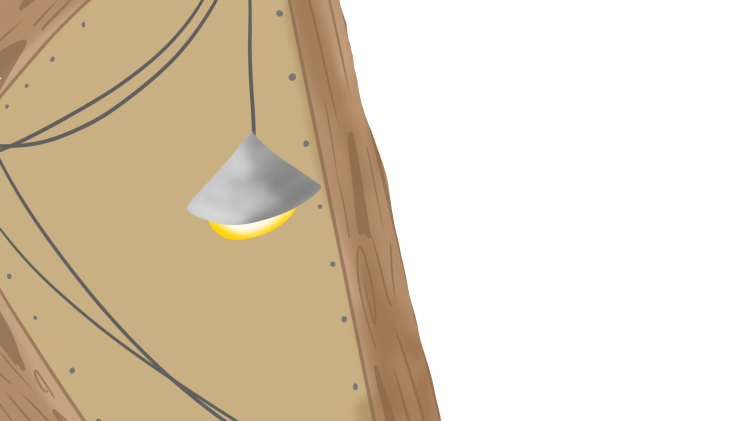
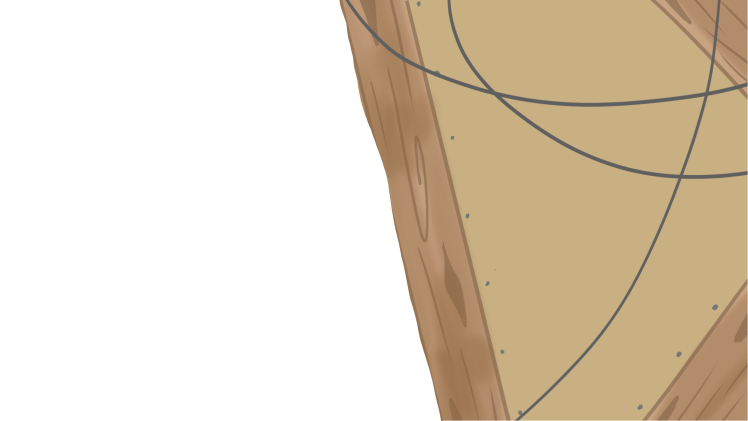
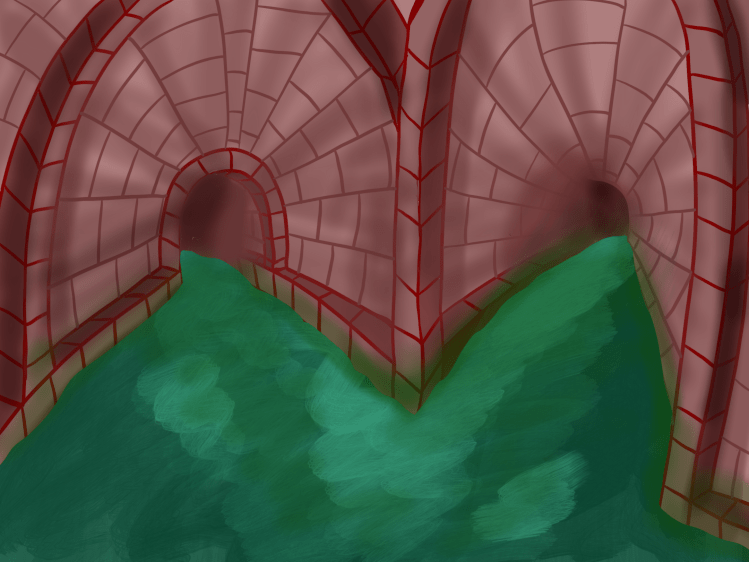
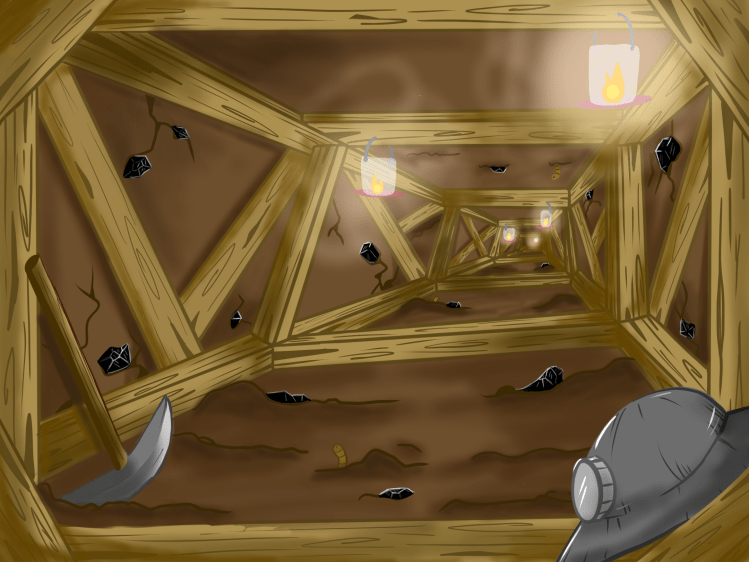
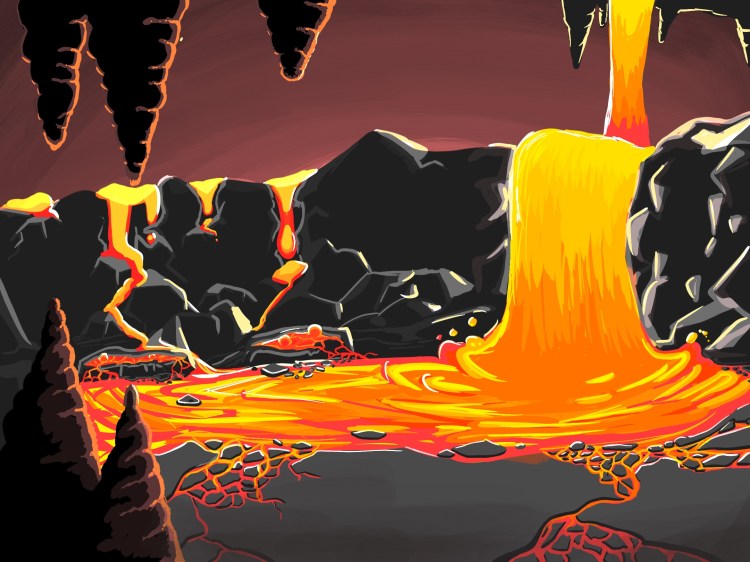
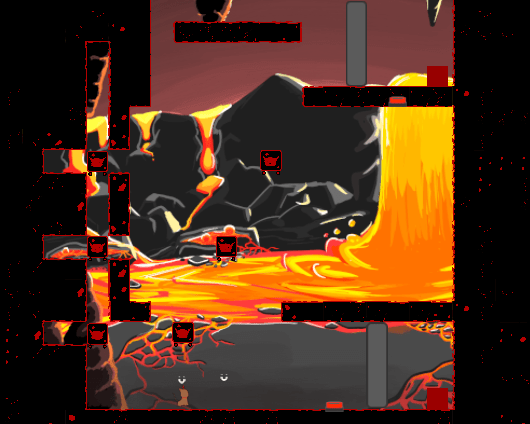
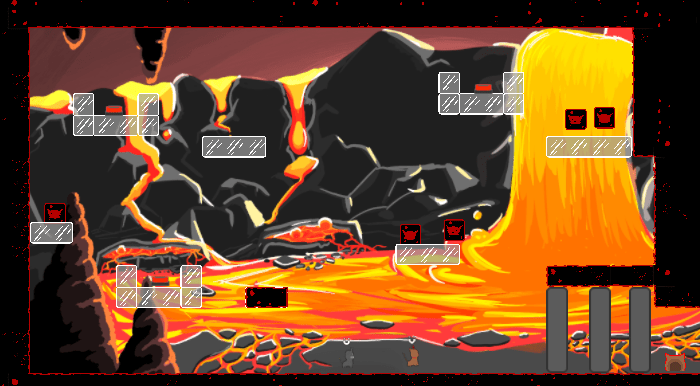
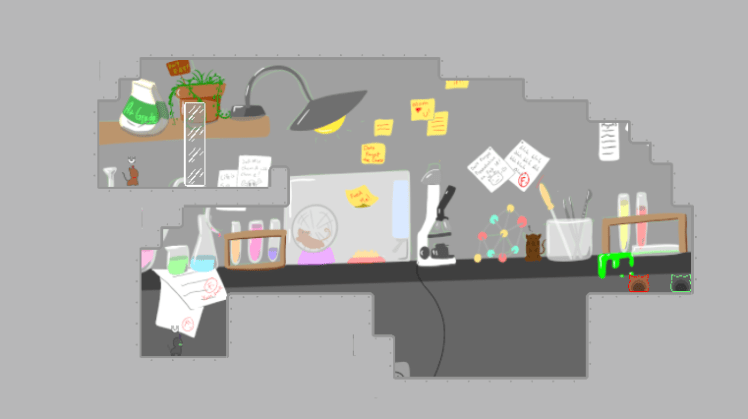
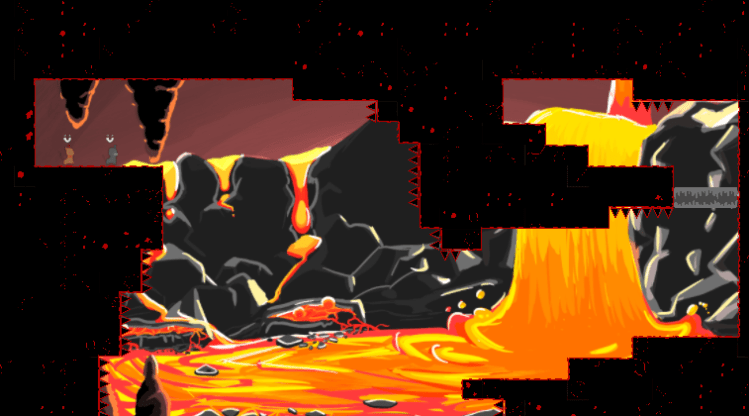
This week was rough because of the Corona Virus shutting down campus. We had other things on our minds, but still managed to get some good work done. Hai finished up the background and transition for the mineshaft world and the background for the sewer. She also finalized two of three cutscenes.

MineleftMinerightsewerBack

Willie spent his time making small fixes. He did some work on the doors so that they “kill” the player if they get squashed by them. The gameplay feels a lot more smooth and standard than it used too. And the camera action is sexy af.

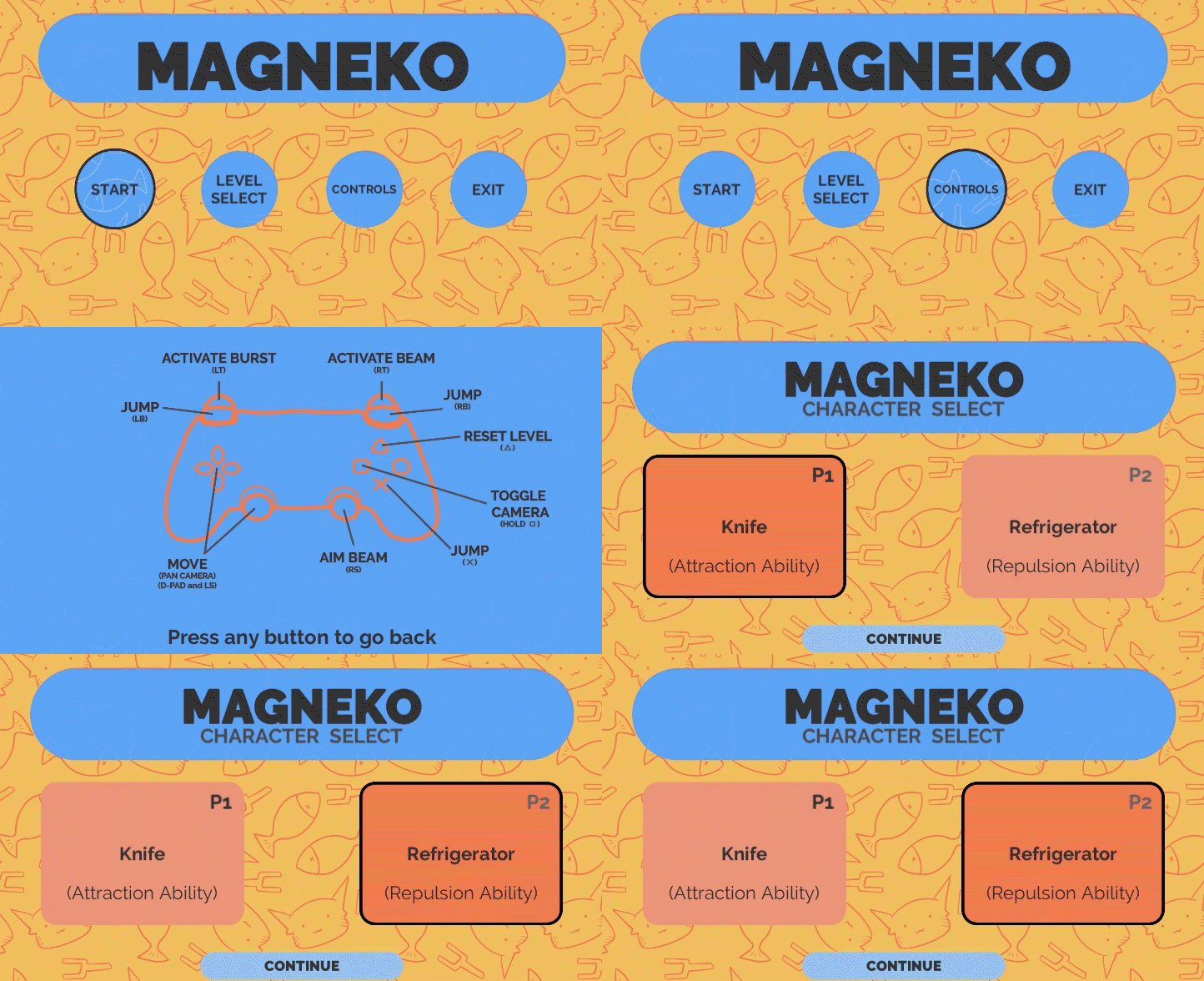
Ben finalized the UI, making it work with two players. He also changed the tutorial text to (hopefully) make more sense to first time players, also making it disappear after a few seconds.


Nolan has been busy with personal things was not able to do much, which was fine because he told us about it before hand so we all picked up a little more slack than usual. He was able to get Ari to send us the songs for the mines and revised magma. We have the title, magma, and sewer songs.

Here is another playtest that we were able to get the players to record!


Week 9: Playtesting and Work

This week we were able to build our first version of the game. You can check it out here. With this, we also were able to get some playtests.

Hai also was able to playtest with quite a few people. From those tests we found a lot of small bugs to fix. They mainly included issues with jumping and sliding, the panning camera speed, following camera harshness, and being able to move while the respawn/next level animation is going. Some other visual things that caused problems were the colors of buttons (red on magma red) and the grey doors.

Hai also noted that there were two levels that the difficulty ramped up on too greatly. These two levels were Magma 4 and 10. Hai thinks it is because on 4, the players are split up for the first time and were confused by that. Willie has added some levels to the magma sequence to try to solidify both the difference between the fixed and free magnets as well as the idea of being separated. Something that was surprising to us is that Hai told us that the play testers did not assume or know that the game was supposed to be cooperative. There were also some level design spacing issues.

As users never read anything, they ignored the tutorial text. To combat this issue Hai has the idea to have the directions as sticky notes in the background. Another idea is to have the player be able to toggle if they want hints in the main menu.

We sent out a build to a couple of friends and they played it using xbox controllers. This broke the control scheme but were still able to play it, just using different controls. Overall, they said that they liked the concept and the mechanics were easy to pick up, though it took them longer than desired to figure out that one could only pull and one could only push.

They also gave us input on the slow fall thing: they didn’t like it and felt that it was unintentional. They also said that when having a block or the other player in a vertical beam, they expected it to move when they moved.

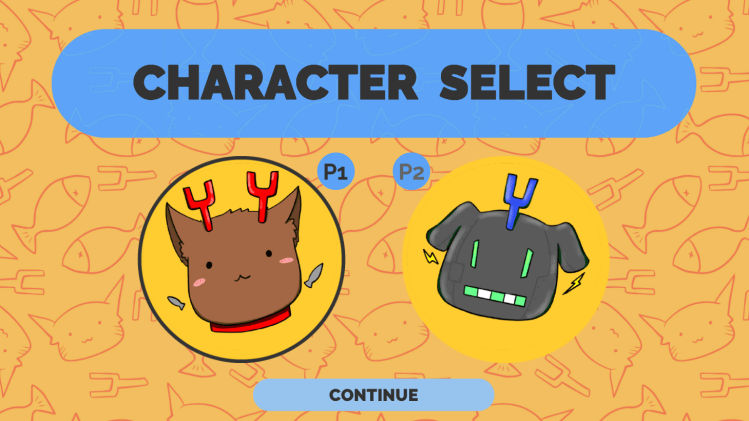
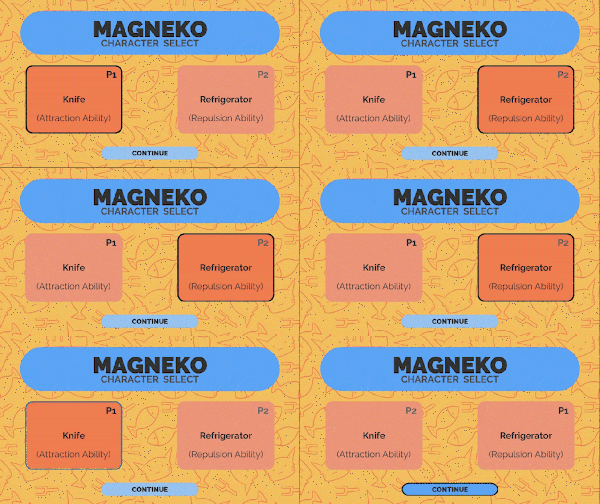
Apart from testing, all of us kept working on things. Ben redesigned the character select menu and refined some of the menu sprites and interactions with Nolan’s help. Nolan has been working with Ari to get more songs and has been refining the Magma level set. This week, we all have been designing levels for the Mineshaft world, and Nolan will be thinking about the sequence for that too.

Willie has been working on the usual: bug fixing, minor changes to how the door works (horizontal doors!), finishing up character animations in Unity, and the ever present jumping fixes. Jumping has been the hardest programming problem so far.

Hai has been working hard on the first two cut-scenes and and remaining background art.

Sewer

Currently, there are no sounds in the video but Nolan is working on it.

Week 8:

This week we continued with some casual playtesting and got more general feedback on the levels that we were testing and some insight on bugs. So far we have been giving players the tutorial area to play around in. One of their main points of feedback is to give them more space to experiment with the mechanics, so we are thinking of adding a few more levels in this sequence. The feedback is mostly positive except for bugs and small details. But we all know that details make or break a game. Here is footage from a test:

Willie has been super busy trying to fix the bugs as they come. One that has been exceptionally hard to fix is the player’s ability to wall jump. He has made a lot of “fixes for it in the past but somehow the players still find a way to do this. The good news is that, he has overhauled jumping in general which should fix issues such as wall jumping, jumping into friction, and in air movement. He has also been working on fine-tuning the player animations so they transition from one to another in a smooth way.

Nolan has spent the week creating more levels and sequencing our Magma world. We testing them internally this past weekend and they were conceptually tricky while not being focused on platforming, which is what we are going for! We will be moving forward to get some user feedback this week. Ari, Nolans’ music contact hasn’t been that good at communication so we will see if he has another song for us.

Hai and Benjamin have been making art this week. Benjamin made two additional tilesheets for the mineshaft and sewer worlds and created a simple transition to trigger when a player dies or they reset the level manually.

RestartTransition

Hai created cat profile images for Knife (left) and Fridge (right) to be used on the menu instead of those orange cards and has been busy making our first cutscene.

newmenu

As a group, we decided to scrap the “sedimentary rock” world because of time. We are still aiming to have about ten levels for each world including lab (tutorial), magma, mineshaft, and sewer.

Week 7: Mentor Feedback

After a few weeks, we met with out mentor, Ben Wander. A lot has changes since he gave his feedback last time. Previously, he had only seen our one-player prototype to test out the physics and basics of the pulling and pushing interactions. Now, however, he was able to play a few levels and tell us what he thought. He played with our teammate Nolan. The two of them played through our tutorial section which was about five levels.
From watching him play, we noticed that the jumping is still a little weird. It was hard to consistently jump up two blocks because of some friction on the walls. It was also clear that Ben did not understand the mechanics right away and said he wanted to experiment more before being thrown into an actual puzzle. We saw some other bugs while he was testing.
In terms of level design, Ben told us about how our spacing between platforms and gaps were ambiguous which lead to a lot of confusion of what he thought was the right way to complete a level. He said we should exaggerate distances that the player should not be able to make to make sure that they know which ways they shouldn’t and can’t go. To help make the level building process easier, we created a set of rules for how far or tall platforms can be and making sure we never use one of the “edge” cases where the player might think they can make it but actually can’t.
Another main source of tension was how precise the timing had to be when the two players were using their burst ability. Ben said that it felt too much like baseball. To try to counteract this, we thought of have a glide button so when falling, the player will fall much slower. Our hopes for doing this is to lessen the precision of timing by giving the players more time to react and see what angle the other is at when using their burst.
For the tutorial, he said we shouldn’t be afraid of making it too easy. The point is to get the players familiar with the basics of the game, in this case, the movement and physics. We have rethought out tutorial levels and made adjustments to other levels with his feedback. Overall, he seemed alright with it as a game. There is still a lot to do to adjust the physics and fix bugs, but it sounds like we are headed in the right direction.
This week we mainly focused on implementing Ben’s feedback and testing/redesigning levels. On top of that, we tightened up the colliders on most of the gameobjects, fixed some bugs (the flying one), added D-pad movement, and made animations for the burst and beam. The red one is for the pull and the blue one is for the push (burst).

We also started making our first cutscene where Knife and Refrigerator break free from their test tubes and implemented a pause menu.

Week 6: 50% Mark

Our goal for the halfway point was to have all the features (mechanics, sounds, art) in a playable game for one “world” with ten or so levels. Since January, we have been working to get to this point, programming, creating sounds, and making art assets. We have programmed all the features and been focusing on getting the physics of the mechanics feeling good. We also have all the sound effects (that we know we need), art assets for character animations, level backgrounds, tilemaps, and UI elements. Our menus are functional and have a good number of levels that we are still working on.

This week we finished up the sprites for the main intractable objects, including the mushroom (spring), level goal, button and door, and the rail for the metal block on rails.

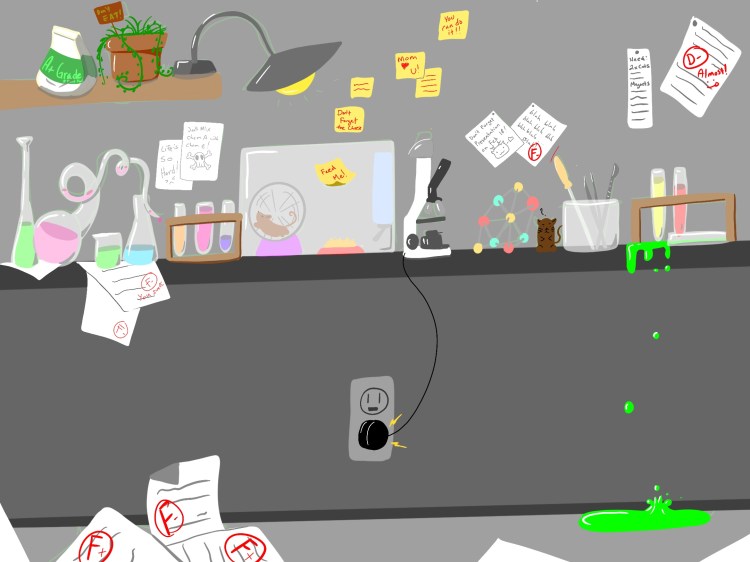
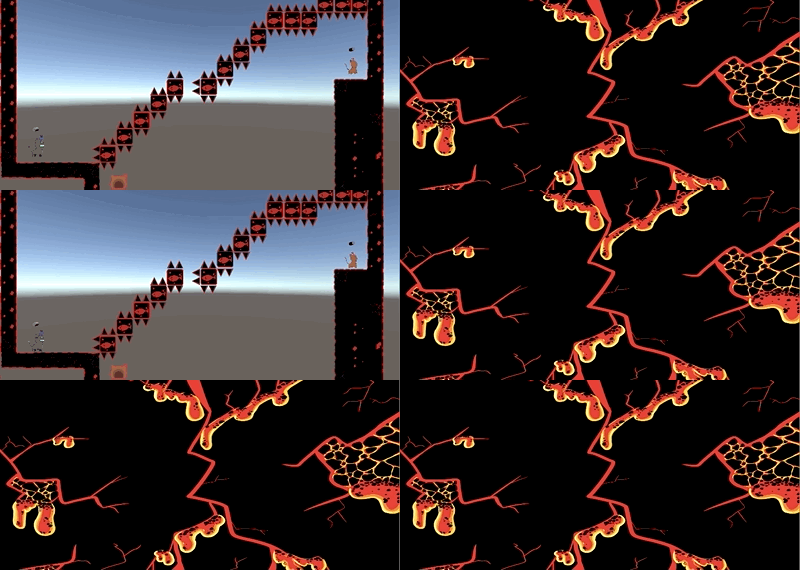
Hai also made some sick background images for the lab and lava world, and a lava level transition animation.

IMG_0162IMG_0163

leveltransition

Willie worked more on polishing physics, movement, and fixing bugs. From play testing, we realized that these bugs ruin the test. Even though we will keep discovering bugs, it is important to stay on top of fixing them. Tweaking movement will also be an ongoing process until we get the right feel with colliders and all that.

We also added levels, tested them internally, and iterated on what we found by doing that. The game is starting to look more and more done, which is exciting!

levelexample4levelexampl3levelexample2LevelExample

Here is out updated start menu

MenuDemo


Week 5: More Animation and Sound

Ben created additional tilemaps and made some visual changes to the character select menu. It is mostly complete but will feature images of both cats instead of just their names.

MagenkoStartMenu

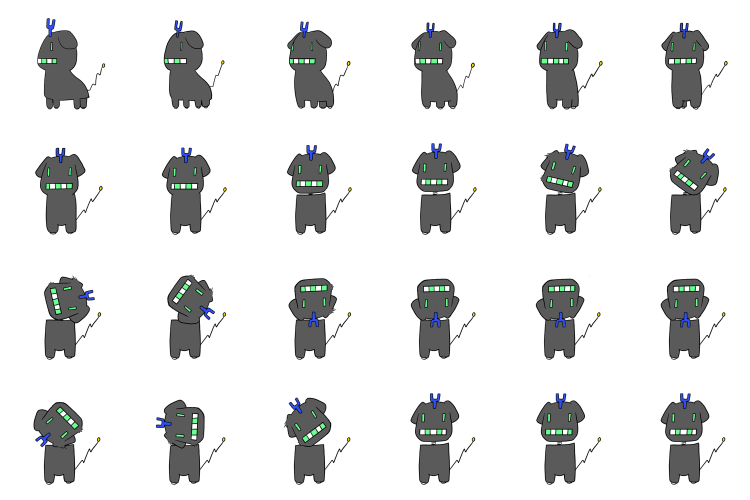
In addition to these art assets, Hai created more animations for the characters. Here are the sprite sheets, which have been imported into Unity.

FridgeJump_Full512FridgeUpDownActivation_Full512FridgeVictory_Full512KnifeFrontFlip_Full512KnifeJjump+GoingToSide_Full512KnifeJumpAndGoingDown_Full512KnifeUpActivationFull512


Nolan finished up added sounds for the menu and collision, which means we should have the majority of sounds for basic gameplay and interactivity. After reaching out to Ari, a music major who showed interest in making music for games, we still have nothing from him, though Nolan and him have been talking about the type of music.

Willie worked to get the camera and physics cleaned up so the game feels better in the hands and eyes of the player. This included making it so the player can pan around the screen. There were some changes to movement speed and other similar things. When testing, we noticed that it was very frustrating to try to jump on top of the other player (required for some puzzles) so is in the process of sorting that out.

We also did some level design and created a short sequence of beatable levels. By doing this, we tweaked camera and movement and got a better grasp of the types of interactions are possible in our game.

We testing this sequence with our mentor Ben Wander again on Wednesday.

Week 4: Testing, Bugs, and Animation

Over this past week, we were able to conduct three playtests. From last week’s sketches, we create a rudimentary level sequence so that the players could navigate to the goal and interact with one another and the world. As a team, our primary goal from this test was to see what players thought about the player-player interaction, but is also worthwhile to have more eyes on our project now rather than later. This means that visual signals are very important in understanding the gameplay and have an effect on the player experience.

Playtest Summary

Visual

Even though we are planning to add art later because it takes time to make, the overall play experience is made easier through visuals. This was apparent as all playtesters suggested to add visual clues including: death animation/transition, beam activation, burst activation, aiming direction, metal box sprites,

Gameplay

Overall, all players liked the interaction between themselves and the other player. They thought it was fun that they could pull or push one another, which is good for us. However, there were some comments about the magnetism. A few players did not know why there was the burst and the beam, or didn’t see how having both would be useful; they thought the beam was just a subset of the burst. We also got feedback that in general, the physics should feel “snappier,” which means more initial inertia when magnetizing blocks and some tweaks to the jumping (though we got mixed feedback on the floatiness of it). In one playtest, the players thought the cardinality of the beam was annoying and expected it to have 360 degrees motion, but the others did not have this issue.

There was also concern for the level design. Right away, players should be confronted with a challenge and not have to be herded through a “path” to the goal. The idea that both players need to reach the ending is something that we should talk about because it seems shallow if only one player has to do the puzzle.

Bugs

During the playtests, we encountered two gamebreaking bugs. If the player jumps and collides with a wall, they would clip into the wall and not fall. Also, there was some “residual” magnetic forces interacting on the player so that if one player pulled the other and then stopped, the force still acted on the pulled player. Another bug we came across was that if the puller got on top of a block and pulled towards it, they could fly with it. We also found a problem where sometimes landing on the ground wouldn’t reset the player’s ability to jump, which could be an issue with the tilemap.

Playtest 1 Notes

  • Wanted more visual cues
  • Fix the increased momentum when touching something while midair
  • Fix wallhanging
  • “I don’t understand why I need the L2”, he later changed his mind on this
  • Add longer cooldown on L2
  • Neither thought it was “too much” having both the directional beam & burst
  • Some parts of the tilemap don’t allow jumping?
  • Differentiate characters very clearly
  • Make everything less floaty, make physics “snappier”
  • Suggested the beam should have high initial energy, and a lower energy when sustained
  • Make everything “punchier”(above)
  • Suggested a mechanic where the players couldn’t get within a certain distance of each other?
  • Suggested sticky blocks
  • Fix being able to fly on blocks
  • Suggested adding positively and negatively charged blocks, would behave differently for each player
  • Liked being able to move each other

Playtest 2 Notes

  • Fun to interact with one another
  • Can’t jump bug
  • They thought that, since they had the pull ability, they could pull themselves to the other player instead of pulling the other player to them. The player with the push ability did not make a comment
  • Direction beam is annoying, the cardinality is weird
  • Can pull through walls, but can’t move and have the metal block move with the player (pull ability only)
  • So buggy that it was hard to get an honest play through, focusing on the bugs
  • Not a lot of teamwork with the levels that we implemented, it became a race to the end, the interaction was still entertaining to push and pull the other
  • Expected a 360 degrees beam, not cardinal
  • Controls are weird, moving the thumb from aim to jump was hard (inexperienced gamer), but agree that if the user is forced to do this a lot, it could get annoying
  • In levels, less is more, have only one solution, and not so “path-y”. Have the player look, stop, and think rather than just run to the puzzle area

Playtest 3 Notes

  • Liked that the player’s targeting stays where it is
  • Wants some sort of “death animation.” It doesn’t need to be an actual animation, but just something to signify a player has died. He wasn’t a fan of the instant snapping that we have now
  • Thought it could be cool to have a solo mode where one player can control both characters
  • Likes the way jumping feels, thought the collisions felt good
  • suggested a “self-destruct” feature, where one player could hold down a button and Respawn (either only that player or both players)
  • Got stuck in corners (we have a fix for this now, it just wasn’t implemented in the levels we were testing on)
  • Mentioned to be constantly aware of the difficulty curve, balance between boredom and frustration. He suggested we design levels with an “intended number of attempts” the players would need to beat it
  • Suggested a “look” button, where players could pan the screen around to get a better feel for their surroundings

More Process

In addition to playtesting, we spent the week making more art assets, implementing sprites in Unity, big fixing (of the above), and working more on the visual side of the menus.

Our narrative is that Knife is one of the many cats that are test subjects for a scientist experimenting with magnetizing lifeforms. In order to keep the other cats company, the scientist made Refrigerator, a robotic cat who is also has magnetic abilities as it was an early prototype. Knife manages to escape her cage and then both her and Refrigerator fall into a trash shoote and end up deep in the Earth’s crust. They must climb through obsidian, sedimentary rock, caves, mine shafts, and sewers to resurface.

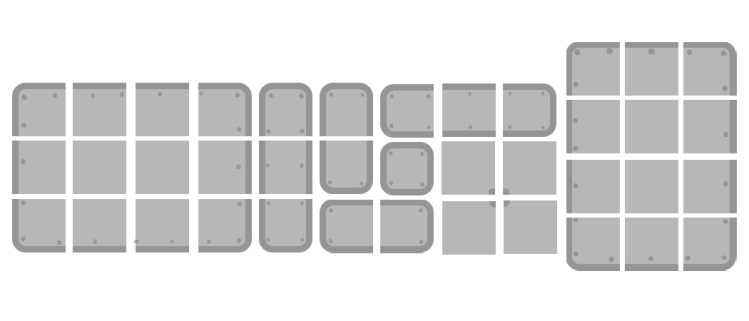
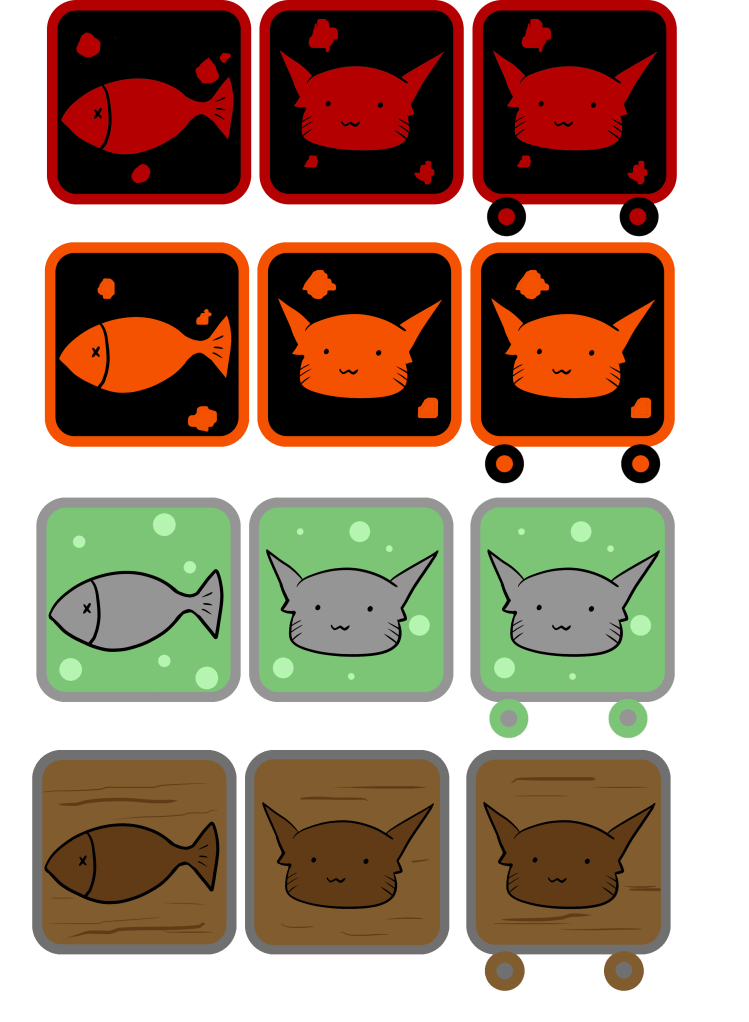
From the feedback from Ben Wander, Hai created the metal blocks with symbols associated with whether they will move or the player will move when they are magnetized. She made several which are themed for the obsidian, sedimentary, sewer, and mine shaft layers of the level progression. Here we have the fixed block, movable block, and block on rails from left to right, respectively.
pushpulltiles

Hai also finishes up some animation sprite work, including the jump, beam activation and the push/pull burst.

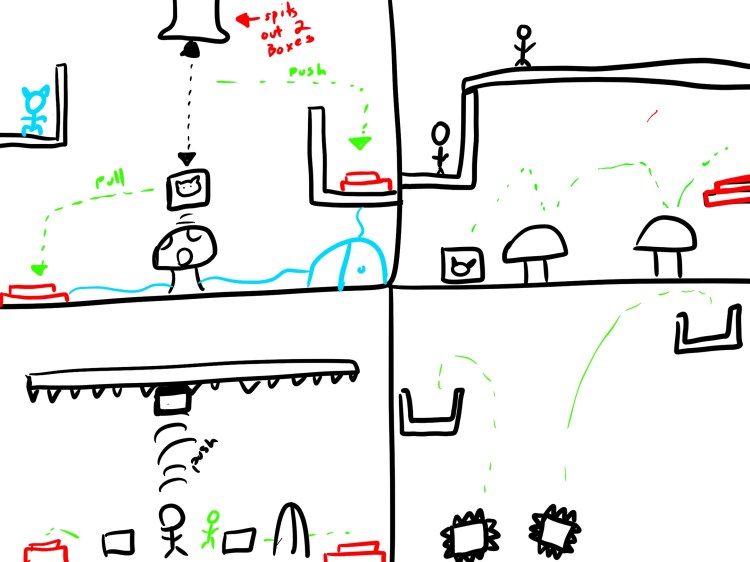
Ben worked on adding the lab tilesheet and the above sprites into Unity. He also investigated in-game sprite pixelation, and created UI sprites for the character select menu. Both he and Willie imported levels from sketches conducted playtesing. Willie also worked on fixing bugs.

After hearing from another student who is interested in making music for games, Nolan started brainstorming the vibe that we wanted for our game music. He also added more sounds into Unity, in addition to working on the menu screen.

Level Sketches
IMG_0100


Week 3: Toy and Unity Setup

Mentor Feedback

This week we met with our mentor Ben Wander with the intention of getting his feedback of the “feel” of the game and mechanics, controlling only one character. Luckily, he had no trouble playing the game. We asked input on controls, movement, and the magnetism mechanics, to make sure our base was strong. Ben had no problem with the controls and said that the movement and physics seemed fine, though other people who we have shown think that the jump is too “floaty.” Something that surprised us was that he used the magnetic burst more than the beam and was confused why any player would use the beam if they have the burst because it is stronger.

It was good to have his eyes on it because it helped us figure out what we should do next. Since we have the basic interactions coded and playable, we need to test what it feels like with two players. Ben was concerned that it would be annoying with two players, so this is a priority for us. In addition, we should create what a level would look like in order to test the two player interaction. For our next meet up with Ben, we should have actual levels and not just a playground for the player to mess around in.

He also mentioned that he could see our game becoming a speedrunner’s game, if it were one player. Though this might be fun to do, based on out initial game play goals, we want to create a slower paced, collaborative experience.

What we did

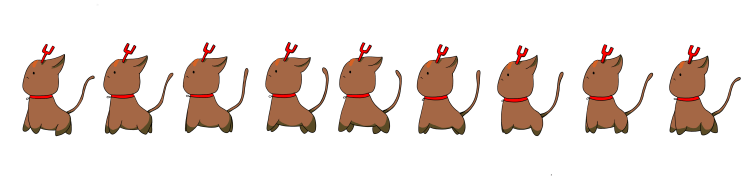
On the art side of things, Hai fixed one and create another tileset in addition to animating the characters. We also created sprites for the spikes.

KnifeWalkAnimIMG_0088

lab tiles

In order to make creating levels easier, Willie made the magnets and other intractable objects into prefabs with descriptions and instructions for all of us to use. He also changed the camera so that it tracks between the players and made sure that two players works with two controllers. Ben integrated these objects and Hai’s tiles into Unity and created a few mock levels based on last week’s sketches, showing visually what a level could look like.

Ben and Nolan worked on preliminary menus. Nolan implemented Ben’s design for player select. This is the concept for the level select:

Nolan added some of the sounds from last week into Unity. He also contacted a fellow student who showed interest in working with us to make music for our game, but he didn’t respond.

Priorities

Based on the conversation with Ben and Matt, we know that we need to test the cooperative aspect of the game. There are concerns about how annoying it will be if the players are pushing and pulling each other all the time, so we need to see how this interaction plays out in order to make the necessary changes. In order to do this, we need a few basic, real levels. These tests will also help us hone in on the details of movement and physics.

Week 2: Mechanic Refinement

Based on our previous prototypes and some feedback we got on them, we met as a team to decide the direction we were headed.

Player experience

  • Keep a “happy” vibe
  • Collaboration, communication, coordination
  • Methodical, slower paced puzzles (it would encourage better communication)
  • Lighthearted player to player interaction
  • No Super Meat Boy deaths, keep it family friendly
  • Less shouty/chaotic, more thinking/trying

Audience

  • Atlas community: students and instructors
  • Gamers who like platformers and puzzle games
    • Celeste
    • Hollow knight
    • Over cooked
    • Ibb and Obb
    • Heave Ho
  • Expo goers

Mechanics

Unique Mechanic

  • Primary interaction
    • Each player aim a beam in one of the cardinal directions
    • The beam has infinite range (on screen)
    • One beam repels the other player and metal objects
    • One beam attracts the other player and metal objects
    • The strength of the beam is dependent on either
      • The force of the trigger as analog input
      • The duration the trigger is held for
  • Secondary Mechanic
    • Each player has a burst that acts in all directions
    • The burst is on the player
    • The burst has infinite range, but distance affects the force
    • Repel burst
      • Repels the other player and metal objects
      • Force is greater for objects that are nearer to repelling player
    • Attraction burst
      • Attracts other player and metal objects
      • Force is great for objects that are further to attracting player

Player Movement

  • Standard left, right movement
  • Single jump
  • Possible dash ability, but it would need to serve a purpose besides just platforming

Levels and Puzzles

  • Vertical level design, “up-scroller”
    • Non traditional a plus
    • Burst mechanic would fit well
    • Falling things to avoid?
  • Death resets level
  • Players able to reset level
    • In menu or in game?
  • Length (height) of level depends
    • Longer = more difficult
    • Don’t want them too long
  • Blocks
    • Metal boxes
      • Stationary
      • Free
      • On horizontal/vertical tracks
    • Spikes
    • Heavy blocks to break destructible platforms
    • Destructible blocks
    • Rubber (springs)
    • Windows (allows magnetism but blocks player)
    • Lead (blocks magnetism and player
    • Pressure buttons
    • Buttons
    • Build circuit by moving conductive blocks
    • cogs/gears to lift gate
    • Deposit charge to open gate
      • + close proximity to each other
      • – players keep distance

Development

With these idea in mind, Nolan and Willie coded the basic physics, interactions, and PS4 controller support. To test these out, they made a few basic levels. However, since this game is two player, testing them out will be difficult, so in this build, one player can toggle between both abilities. This is just for preliminary testing, to get a feel for the movement and push/pull mechanics:

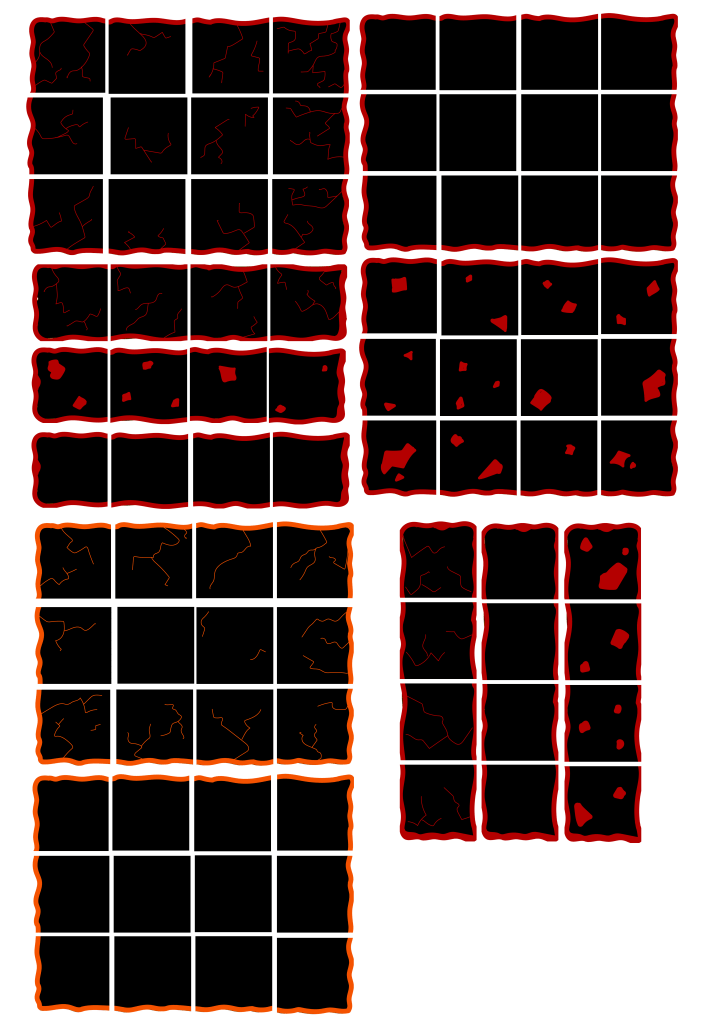
Ben started creating the structure for the tilemap using temporary assets. They were created tile rules so everyone could draw the tiles easily:


Nolan created and found sound effects for the underground environment, and player movement.

Willie added some more world interactions, including breakable blocks and buttons.

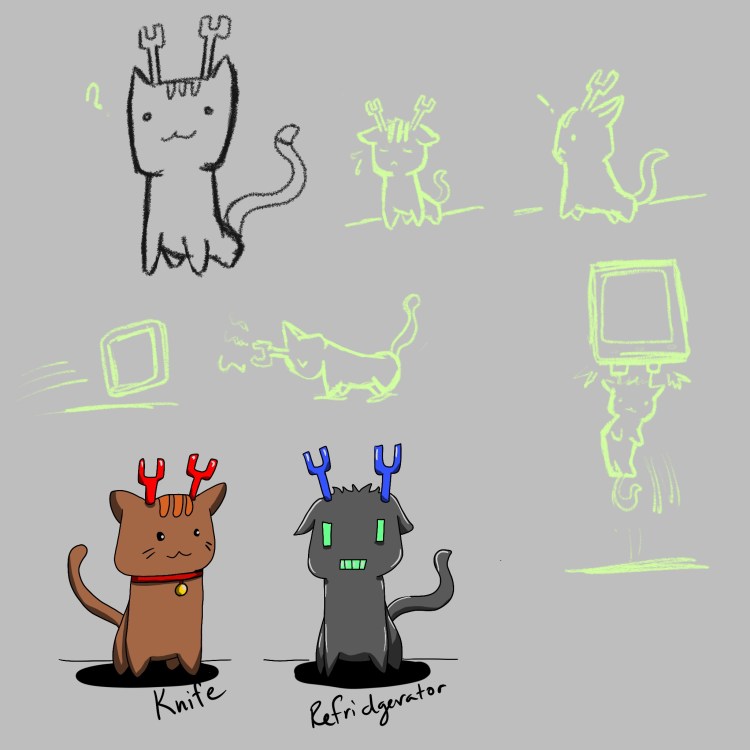
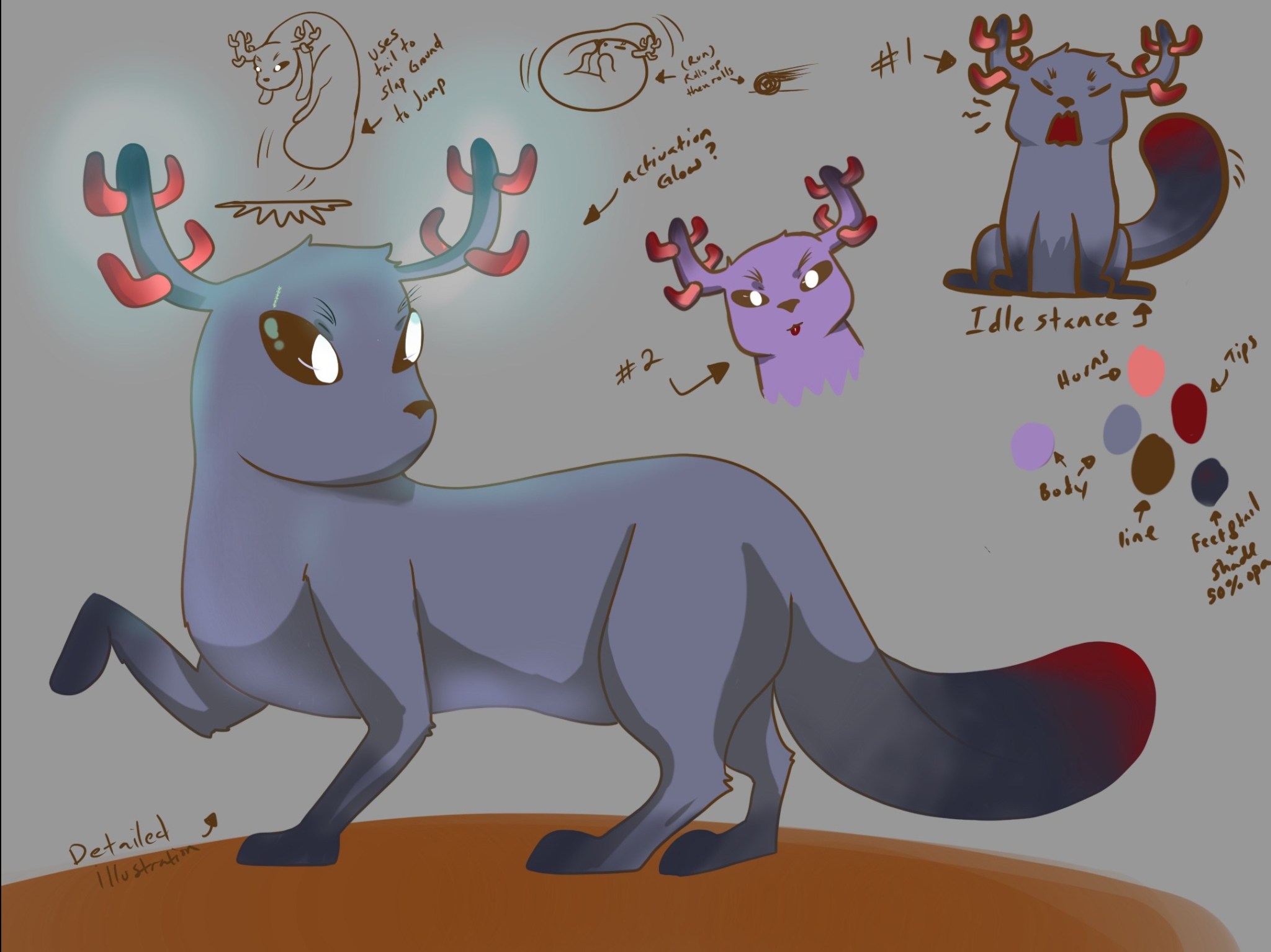
Hai worked on finalizing the character concepts. She simplified the design from last week which will make it easier to animate.

knifeandref

She also created tilemaps for the first area of the game.

obsidian tiles

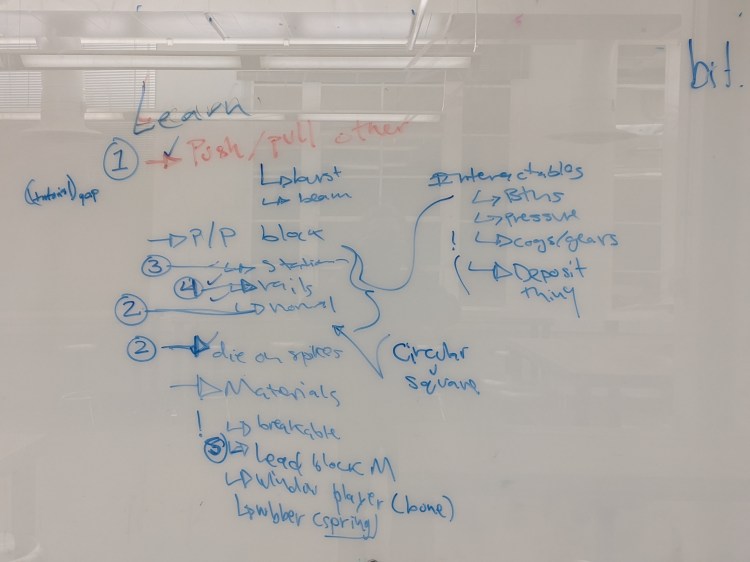
In addition to this, we started thinking about the pacing and progression of the levels. A part of puzzle design is teaching the player the basic mechanics and interactions in a way that doesn’t frustrate them.

IMG_20200114_173603

After listing out all the things that out players would have to learn, we ordered them in a sequence that makes the most sense. This will help us when figuring our the sequence of levels and what skills dependent on previously learnt ones. Another interesting thing that came out of this talk was the idea of having circular metal objects so they can roll more freely than the boxes.

Level Design

We also had our first weekly level design session.


Magneko! Our Blog

This is a blog to document Ben, Nolan, Hai, and Willie’s capstone project.

Elevator Pitch

Magneko is a 2D cooperative platformer where two magnetically augmented cats must repel, attract to return to climb back up the surface.

Description

We want to try our take at a puzzle game that involved a challenging set of puzzle mechanics, that also involved an engaging social aspect. We wanted players struggle, think, and triumph together all while challenging their teamwork and mechanical skills.

We will be using Unity to make the game, bringing in assets made from Logic, Photoshop, Animate, and Procreate. Our audience is social or “couch-co-op” gamers who are interested in puzzle games. The game will be played by two people on PC using Xbox or PS4 controllers.

Prototypes

The core mechanic idea that we chose to work with was the idea of magnetism. To explore this mechanic and help us decide which direction to go, we did paper and Unity prototypes. We first sketched out what we thought some levels could look like:

We then took our individual ideas and created simple Unity prototypes:


      •  

Art

Theme

  • You are a monster or creature that fell down a mineshaft and you want to get out. 
  • Somehow you gained the ability to control magnets.
  • Lean into fictional and cartoony vibe

Style

  • Hand-drawn
  • Foreground/interactable objects have outline
  • Background elements will not have outline

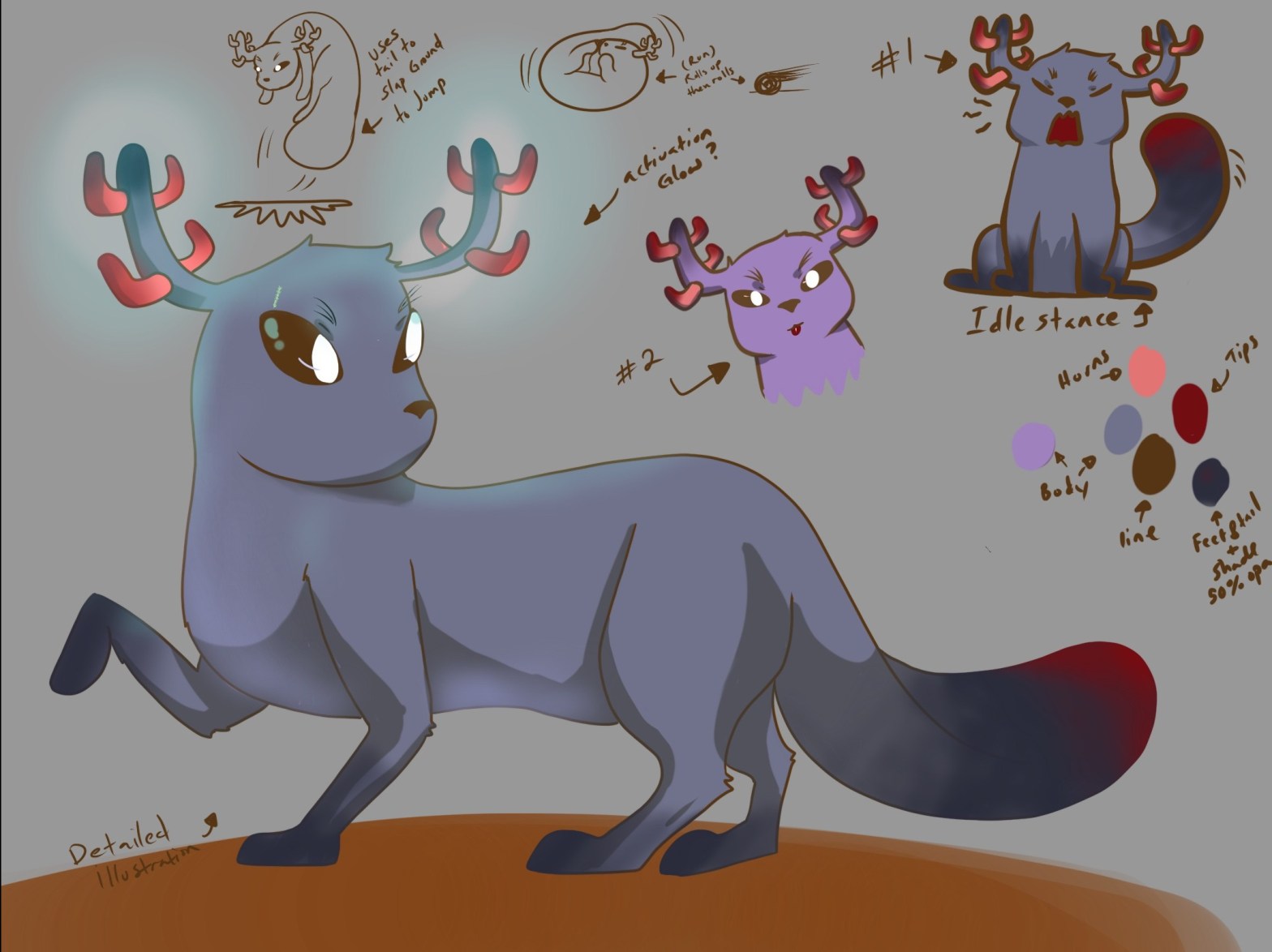
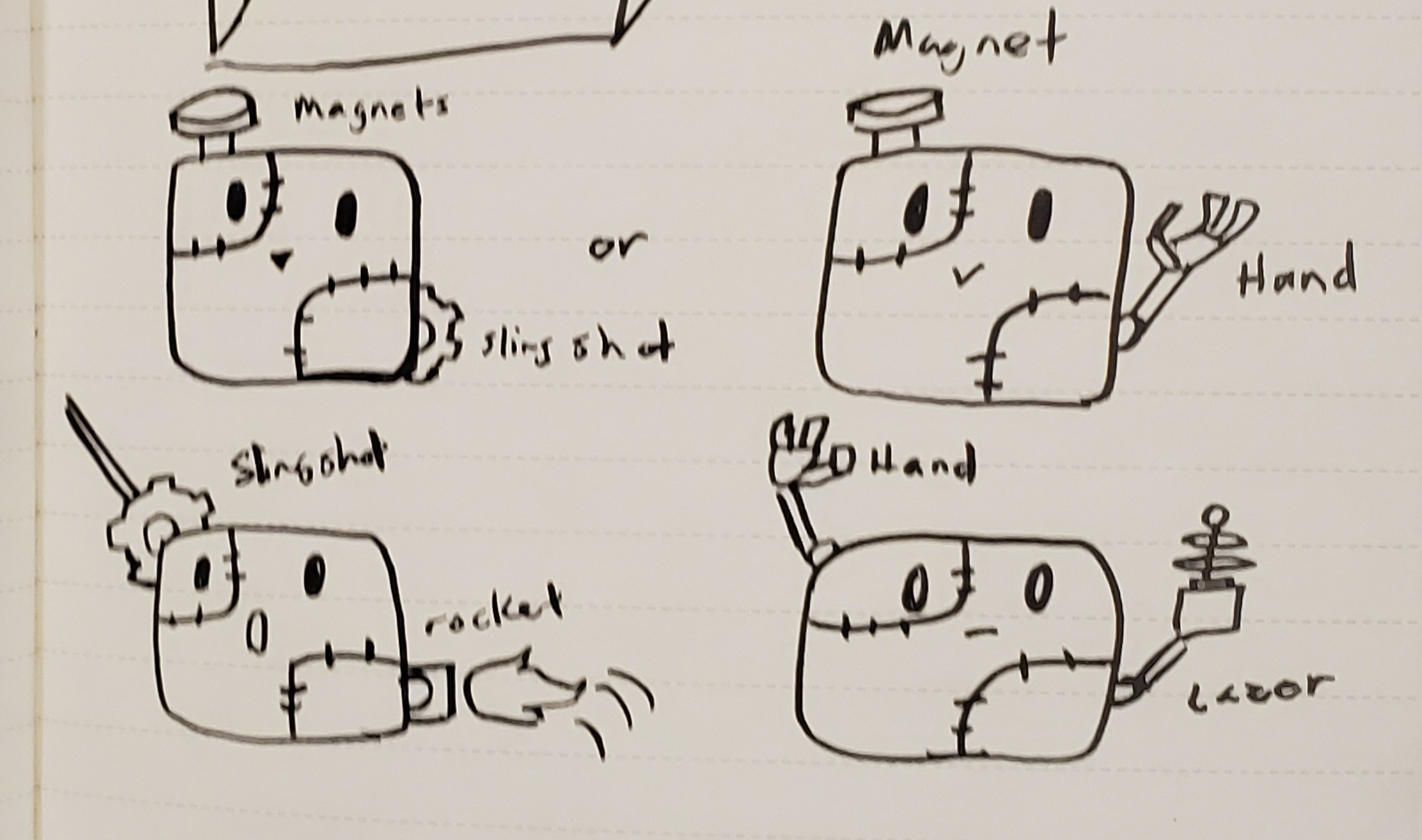
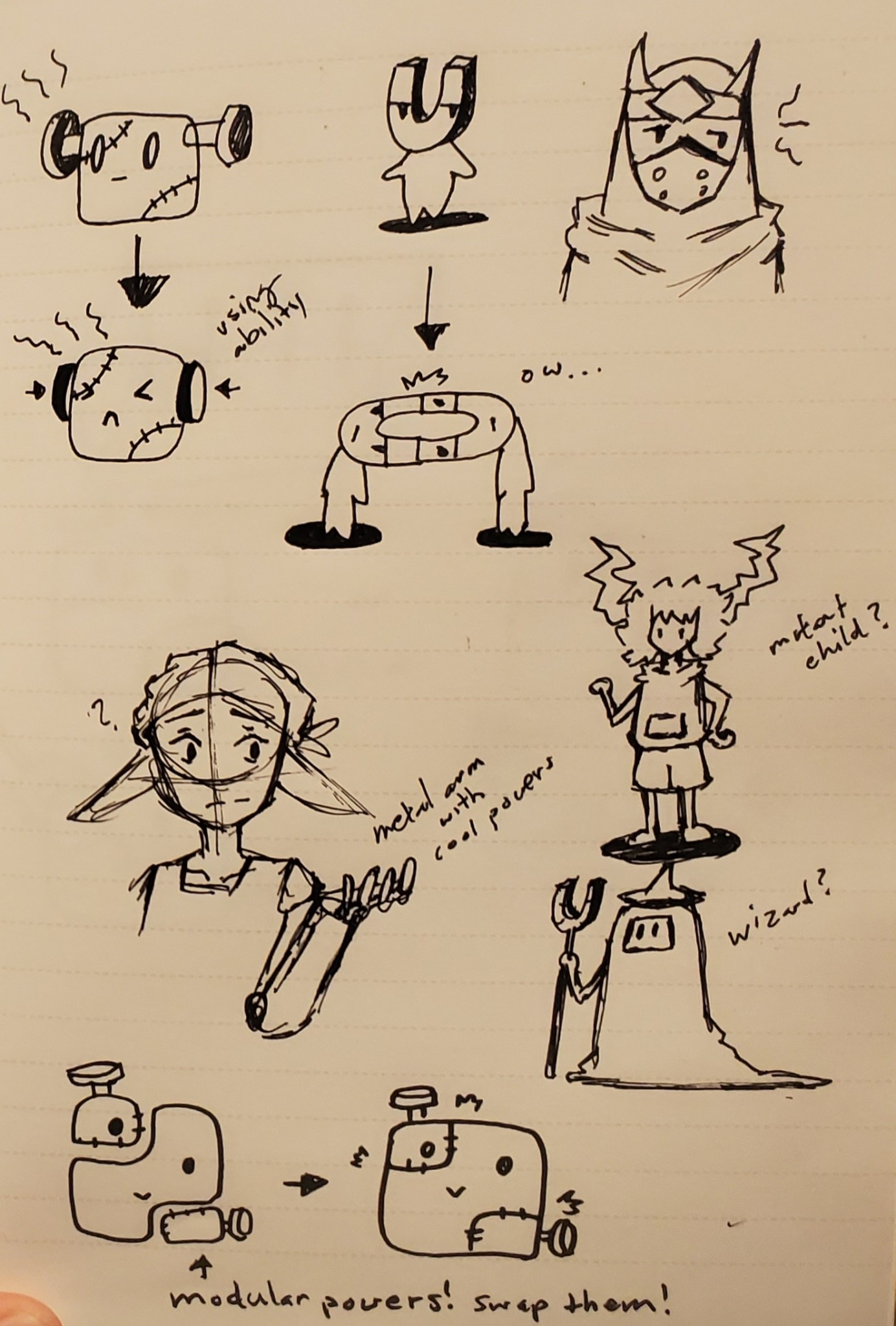
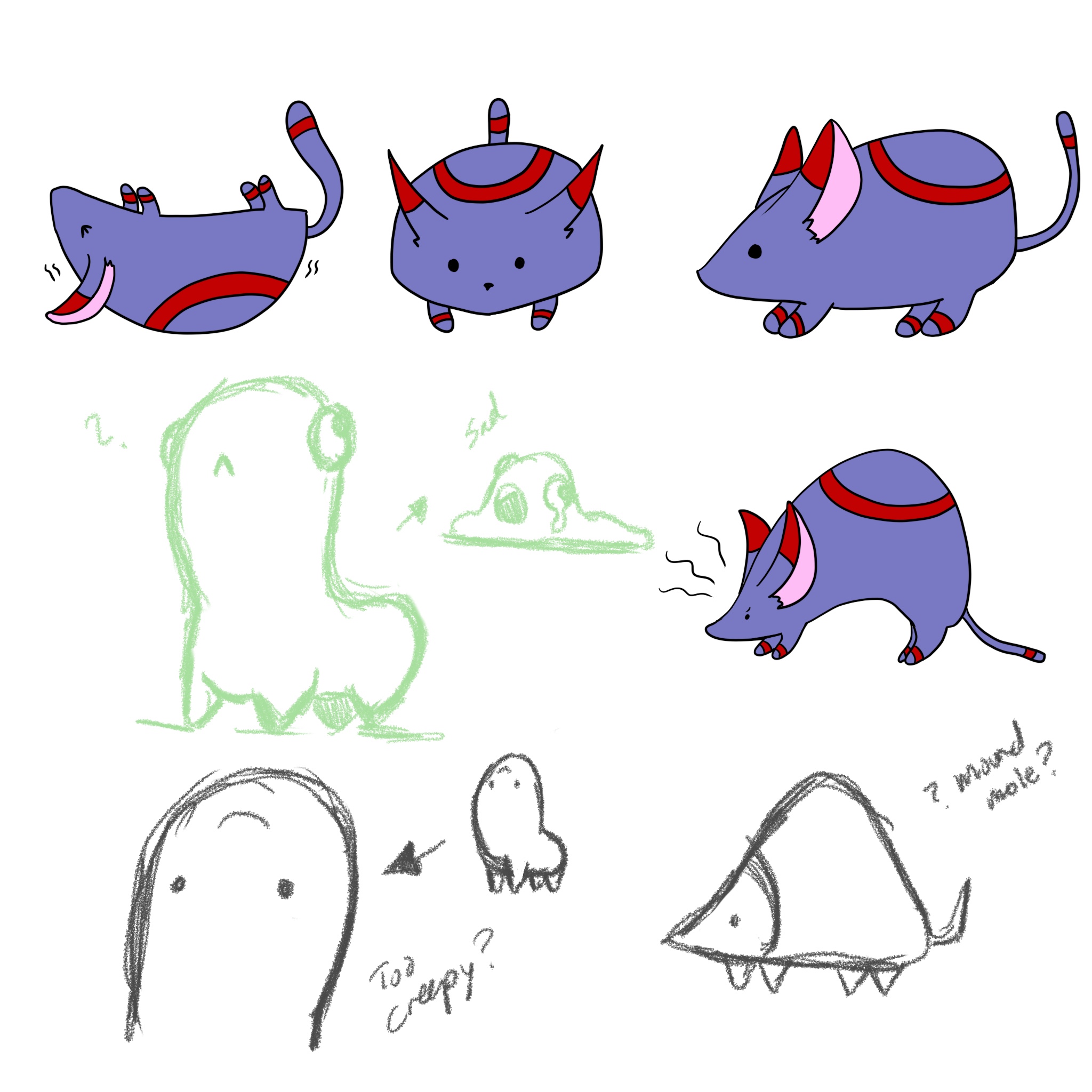
Our artist, Hai, also made some sweet concept art!

20191204_17152120191204_171435IMG_0055IMG_0056

Design a site like this with WordPress.com
Get started